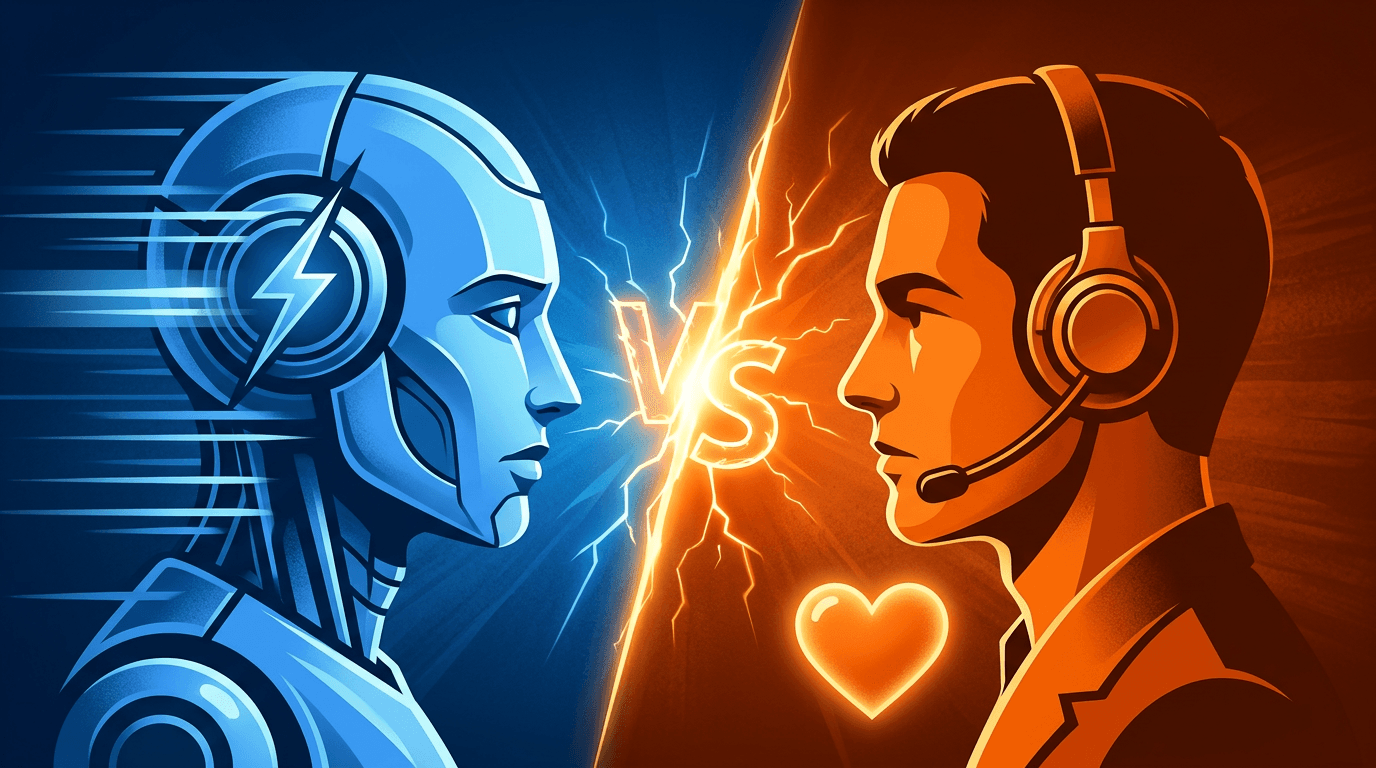
AI chatbots handle high-volume, repetitive questions 24/7 at a fraction of the cost. Live chat excels at complex, emotional, or high-stakes conversations. Most businesses get the best results by combining both — letting AI handle the first line and humans handle the exceptions.
What can AI chatbots do that live chat can't?
AI chatbots have four structural advantages over human-staffed live chat:
- 24/7 availability. No shifts, no holidays, no sick days. A chatbot answers at 3 AM on Christmas Day the same way it answers at 10 AM on Tuesday.
- Instant response. Average first-response time for live chat is 46 seconds. For an AI chatbot, it is under 1 second. In customer support, speed directly correlates with satisfaction.
- Infinite scale. One chatbot handles 1 conversation or 1,000 simultaneously. Live chat requires hiring proportionally — each agent handles 2-3 concurrent conversations at most.
- Consistent answers. A chatbot never has a bad day. It gives the same accurate answer every time, drawn from your documented knowledge base.
What can live chat do that AI can't?
Human agents still outperform AI in critical areas:
- Empathy and emotional intelligence. An angry customer who just received a damaged product needs a human who can genuinely apologize, acknowledge frustration, and make it right. AI can mimic empathy but cannot feel it.
- Nuanced judgment. "Should I upgrade to the enterprise plan?" requires understanding the customer's specific situation, budget constraints, and growth trajectory. AI can present options; humans can advise.
- Complex problem-solving. Multi-step issues involving account changes, billing disputes, or technical troubleshooting often require human reasoning and system access that chatbots lack.
- Escalation authority. Humans can make exceptions, offer discounts, and approve refunds. Chatbots operate within predefined boundaries.
Side-by-side comparison
| Factor | AI Chatbot | Live Chat |
|---|---|---|
| Response time | < 1 second | 46 seconds average |
| Cost per conversation | $0.01 - $0.05 | $5 - $15 |
| Availability | 24/7/365 | Business hours (or expensive night shifts) |
| Complex queries | Limited (follows training data) | Excellent (creative problem-solving) |
| Empathy | Simulated | Genuine |
| Scale | Unlimited concurrent | 2-3 per agent |
| Training time | Minutes (upload docs) | Weeks (human onboarding) |
| Consistency | 100% consistent | Varies by agent |
The hybrid approach — AI first, human backup
The most effective support strategy in 2026 is not AI or humans — it is AI and humans working together. Here is how the hybrid model works in practice:
- AI handles the first contact. The chatbot greets the visitor, understands their question, and attempts to answer from your knowledge base.
- AI resolves 60-80% of conversations. Common questions about pricing, shipping, hours, return policies, and product details are answered instantly without human involvement.
- AI escalates the remaining 20-40%. When the chatbot detects it cannot help, it transfers the conversation to a human agent with full context — the customer never repeats themselves.
The result: your human agents spend their time on conversations that actually need them. According to a 2025 Zendesk report, companies using hybrid AI-human support saw a 42% improvement in agent satisfaction because agents handled fewer repetitive questions.
Pro tip
Start with AI-only. Measure which conversations the chatbot fails on. Then staff human agents specifically for those categories. This data-driven approach avoids overstaffing.
How to set up smart handoff
The key to a good hybrid system is knowing when to transfer. Here are the four signals that should trigger a handoff to a human agent:
- Frustration detection. Repeated questions, negative sentiment ("this is useless"), or all-caps messages indicate the customer needs a human touch.
- Complexity threshold. If the chatbot's confidence score drops below a threshold (typically 0.6), it should offer a human transfer rather than guessing.
- Explicit request. "Can I talk to a person?" should always be honored immediately. Never trap customers in a chatbot loop.
- Topic-based routing. Billing disputes, account cancellations, and complaints should automatically route to humans regardless of the chatbot's ability to respond.
Never hide the human option
Always give users a visible way to reach a human. Chatbots that make it impossible to talk to a person generate more complaints than they resolve.
Which is right for your business?
Use this decision matrix based on your situation:
- Small team, limited hours — Start with AI chatbot only. It covers your off-hours and handles repetitive questions. Add humans later as you grow.
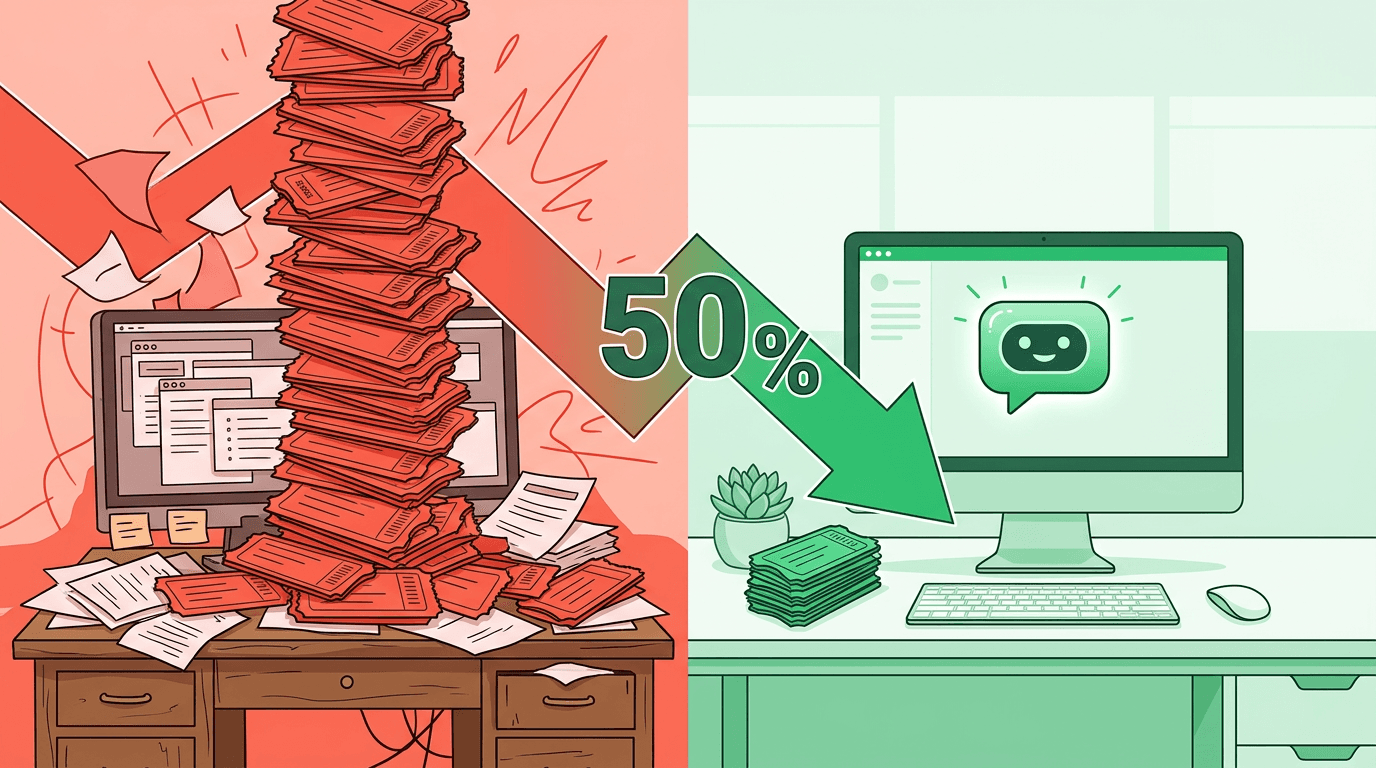
- High-volume support — Hybrid approach. AI handles volume, reducing tickets by 40-60%. Humans handle the rest.
- High-touch sales or support — Lead with humans, use AI as a backup for after-hours and overflow.
- Technical product or SaaS — Hybrid with RAG-powered AI trained on your docs. Most technical questions have documented answers.
FAQ
What percentage of questions can an AI chatbot handle?
With a well-maintained knowledge base, AI chatbots successfully resolve 60-80% of customer conversations. The exact percentage depends on your industry, content quality, and the complexity of typical customer questions.
Do customers prefer chatbots or humans?
It depends on the context. 73% of customers prefer chatbots for quick factual questions (hours, pricing, tracking). 82% prefer humans for complaints or complex issues. The key is matching the right tool to the right conversation.
How do I measure if my hybrid approach is working?
Track three metrics: resolution rate (percentage of conversations the AI resolves without handoff), customer satisfaction score (CSAT) for both AI and human conversations, and average handle time for human agents (which should decrease as AI filters out simple questions).
Want to see AI-first support in action? Explore rentabot.chat features for built-in handoff support, or read how to reduce support tickets by 50% with AI.